Editing Lesson Plans
To edit a Lesson Plan:
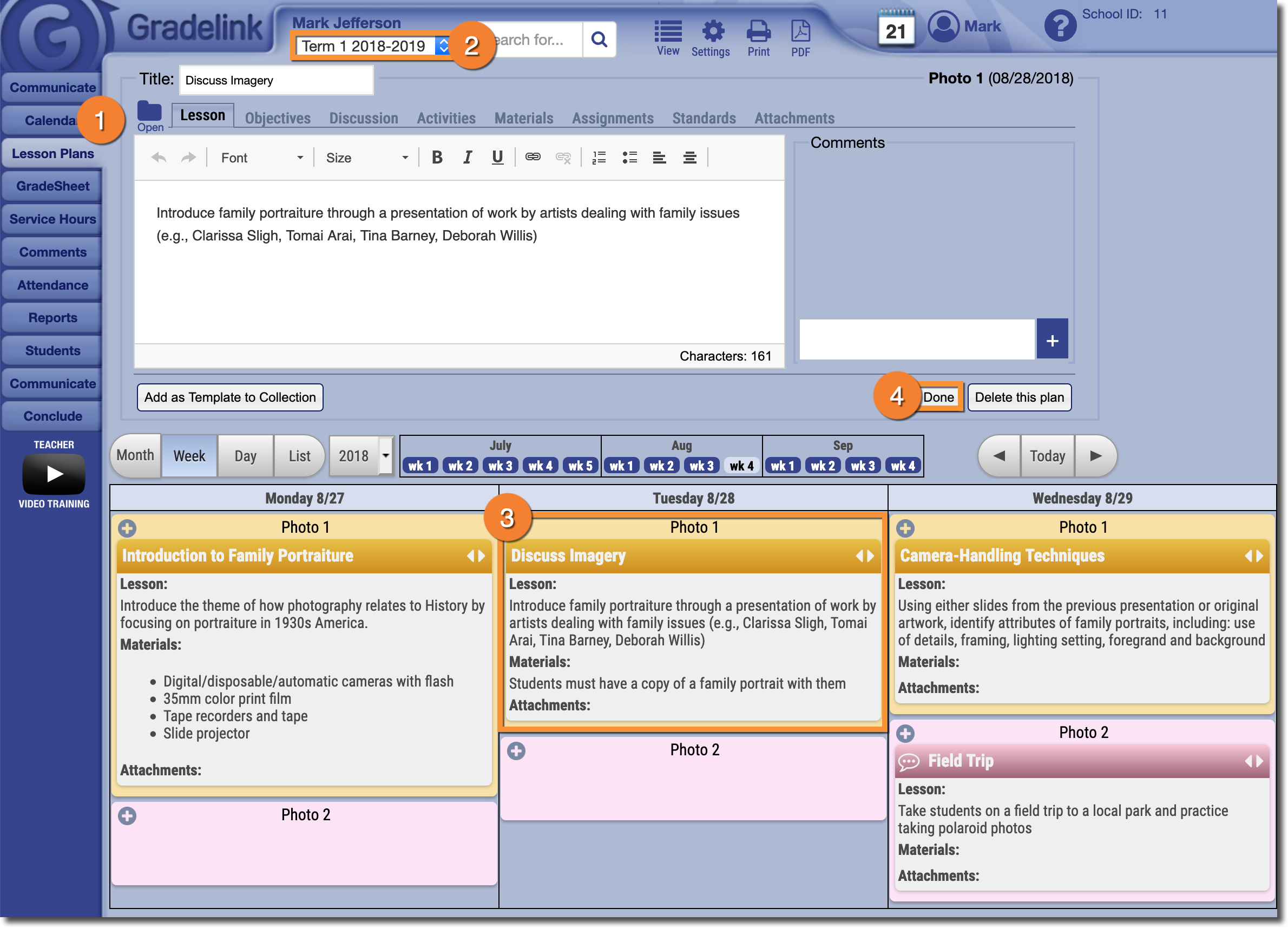
- Click on the Lesson Plans tab.
- Make sure that you are viewing the correct Term.
- Select the Lesson Plan you would like to edit. The Lesson Plan interface will appear at the top of the page, allowing you to make edits.
- Any changes you make are saved automatically, so when you're finished editing the Lesson Plan click Done.