Adding a Student to a Class
Populate Classes
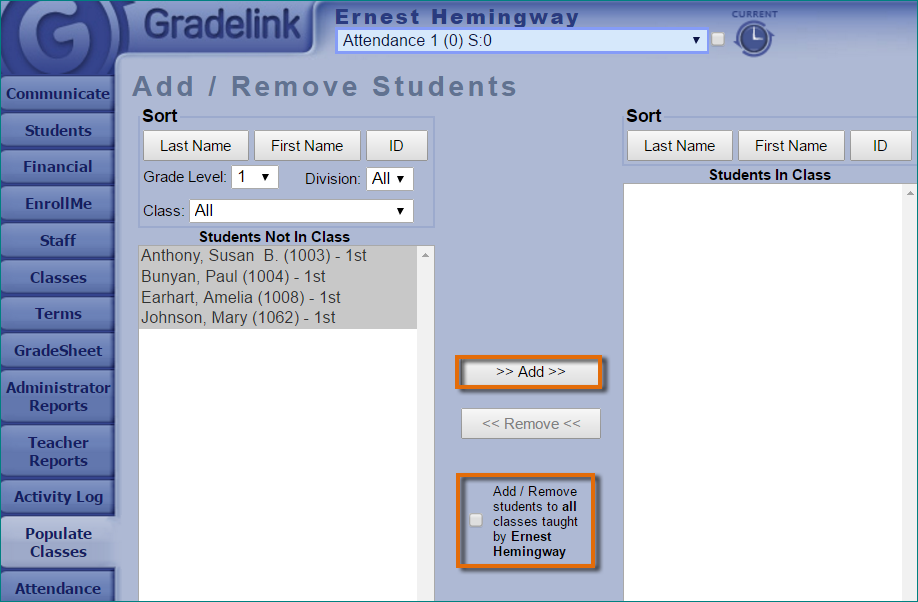
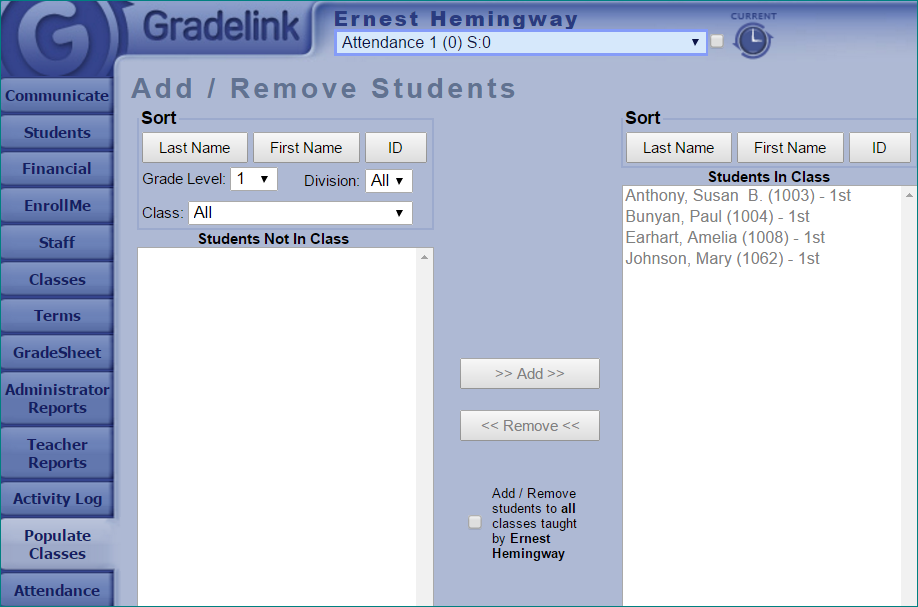
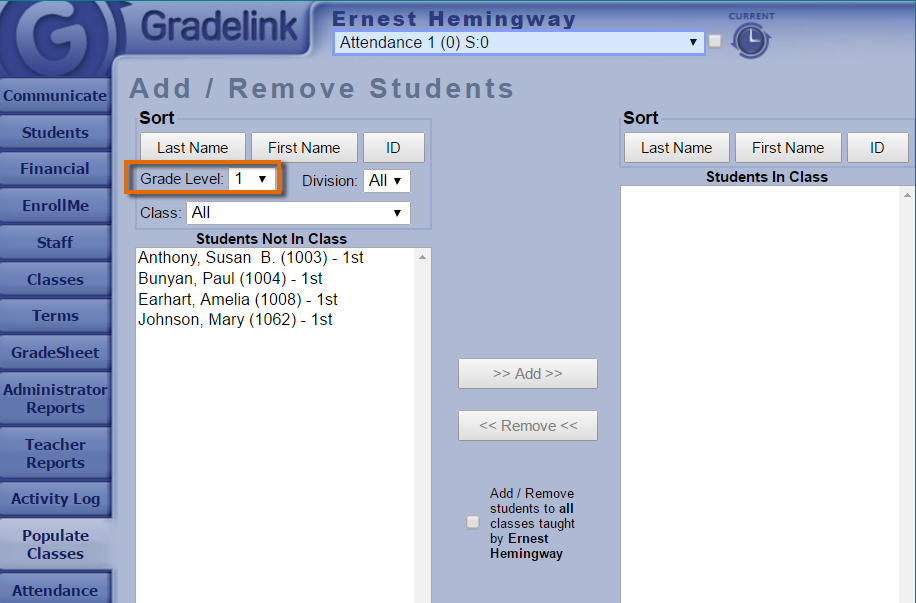
From the drop-down menu at the top of the screen, select the class (subject) you wish to populate. In the list on the left*, select the student(s) you wish to add to the class. This is the list of students who are not in the class. The list on the right is the list of students who are in the class.

NoteAdd/Remove students to all classes taught by …