
Nongraded Assignments
Nongraded Assignments
Have homework or other assignments that don’t affect overall grades? Use the nongraded assignment type.
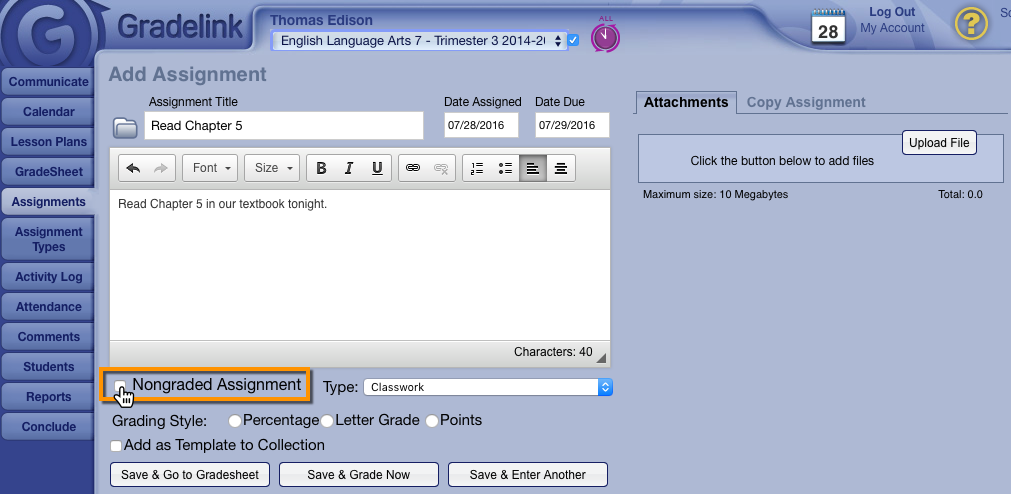
1. When adding an assignment, simply check the “Nongraded” checkbox; then Add as normal.
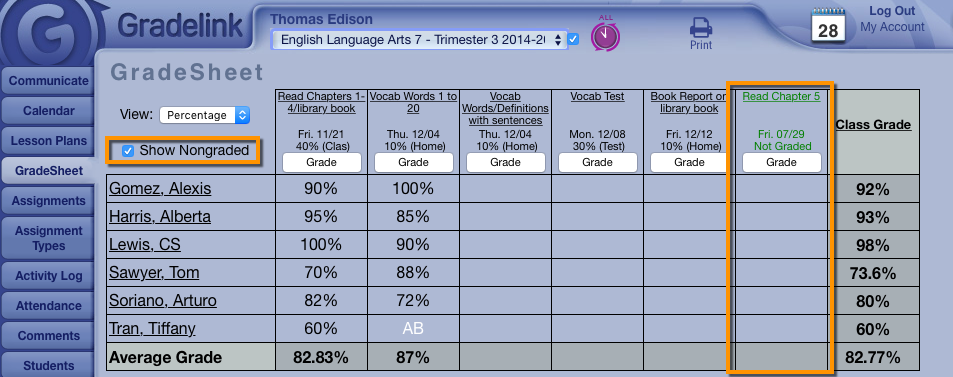
2. The assignment will appear on the gradesheet, but does not factor in to the class grade at all.
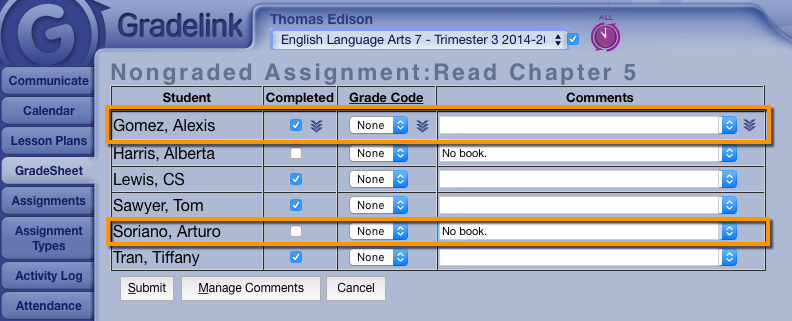
3. Teachers can optionally mark these as completed, or apply a Grade Code.
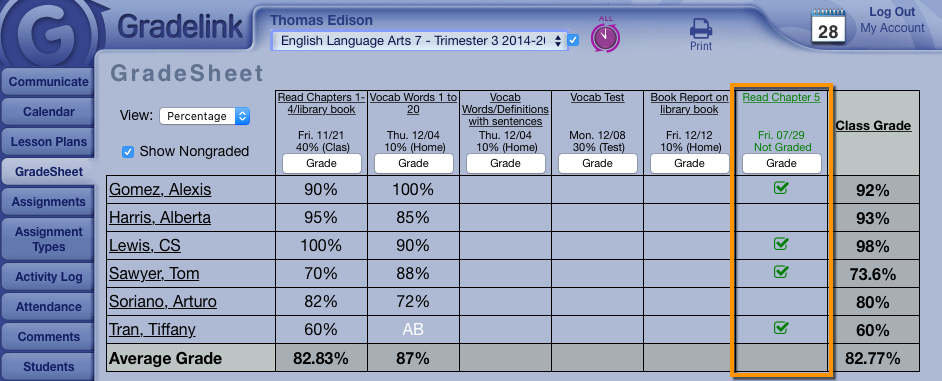
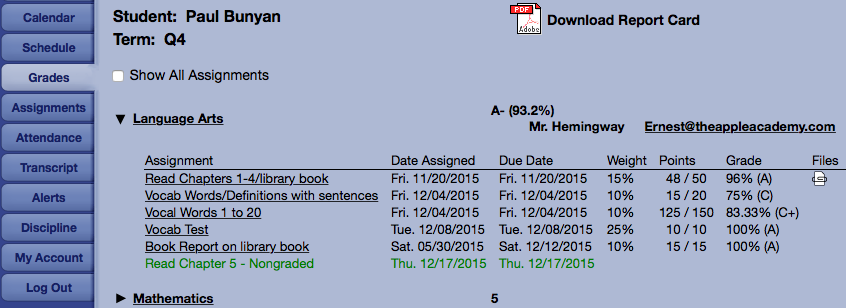
On the Student/Parent interface, any non-graded assignments will appear in green, with no weight or grade associated.