
Setting up Terms for Summer School
Scenario:
1. How do we create terms for summer school?
Solution:
exactly the same wayHowever, when setting up a Summer School Term, there are two things that administrators should pay attention to:
- The Start and End Dates of the Term
- Copying Classes without copying Students
Gradelink organizes the list of terms on the Terms tab by looking at the Start and End Date for each term. Therefore, it's important to make sure that the Start and End Date for your summer school term are accurate.
Additionally, if you plan on copying classes from the last term of the school year into the summer school term, it's incredibly important to uncheck the box labeled "Keep students in the same classes", otherwise all students will be automatically populated into classes in the summer school term even if they shouldn't be.
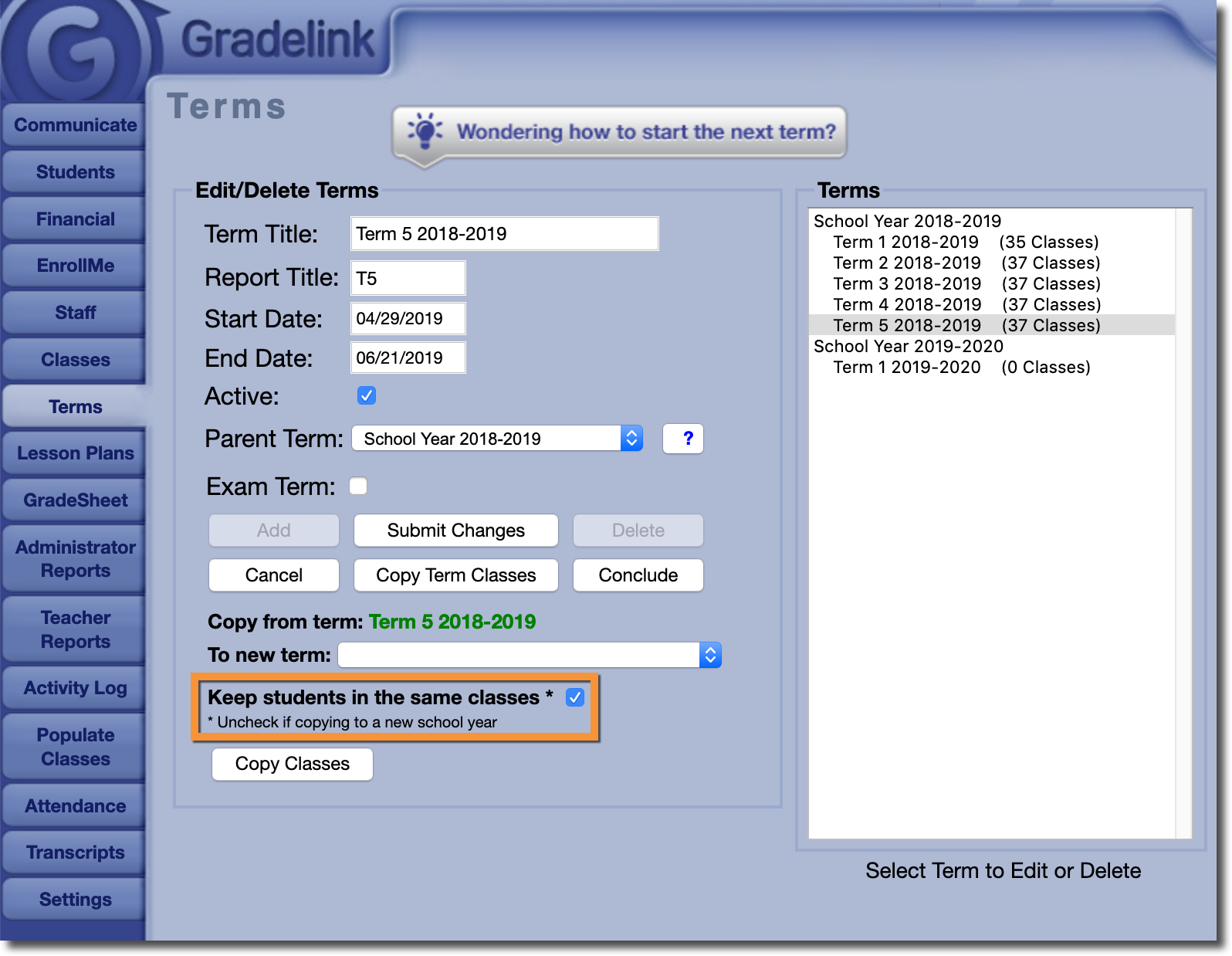
Other than that, a summer school term functions exactly the same as any other term in Gradelink.