Deleting Lesson Plans
To delete a Lesson Plan:
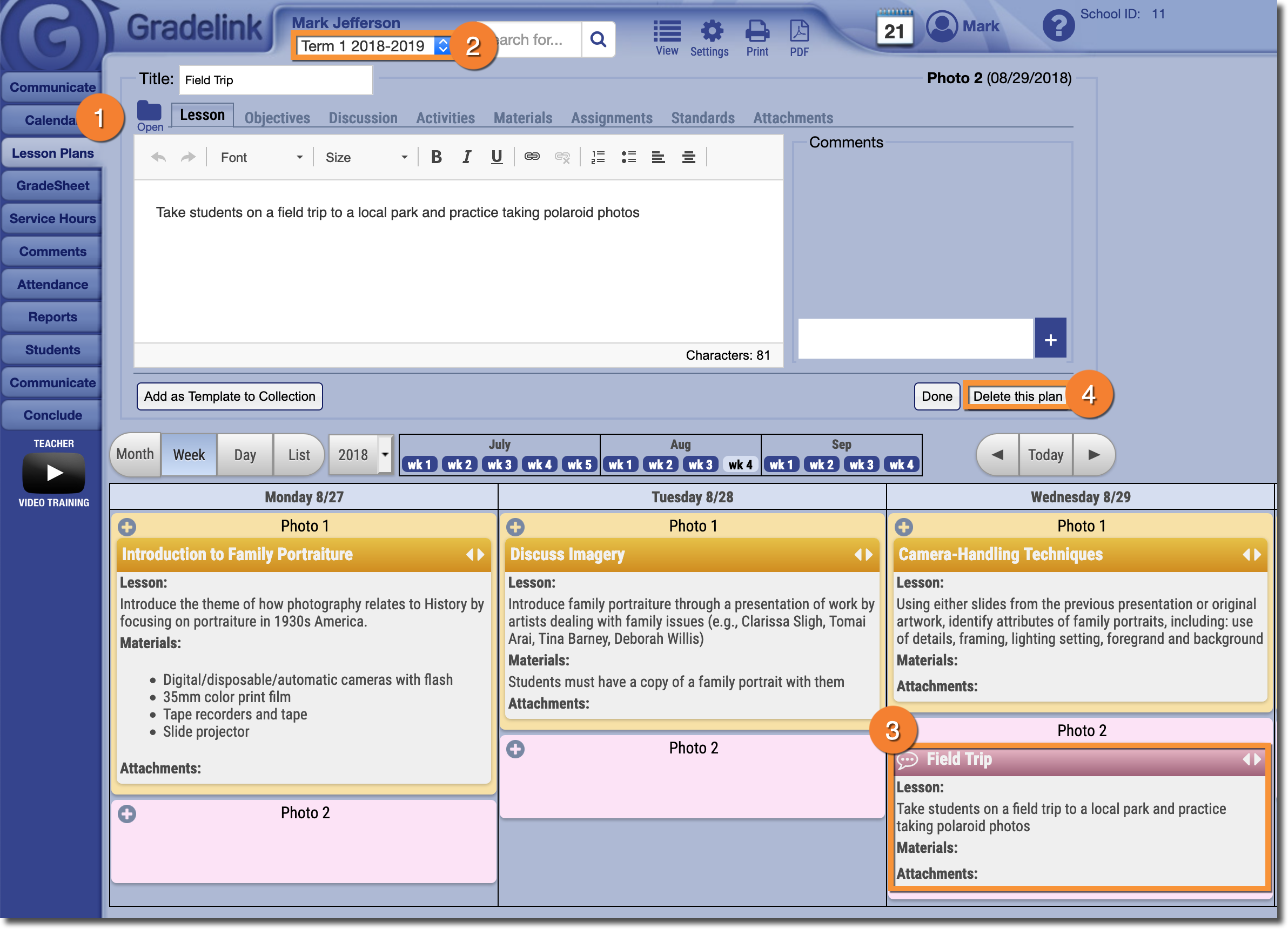
- Click on the Lesson Plans tab.
- Make sure that you are viewing the correct Term.
- Select the Lesson Plan you would like to delete. The Lesson Plan interface will appear at the top of the page.
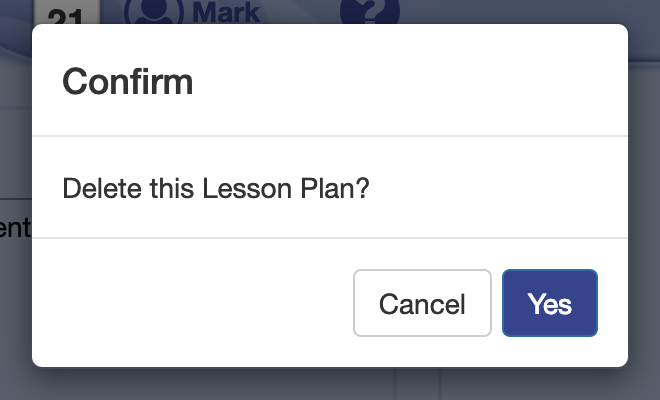
- Click the Delete this plan button, and then click Yes on the confirmation window that appears.