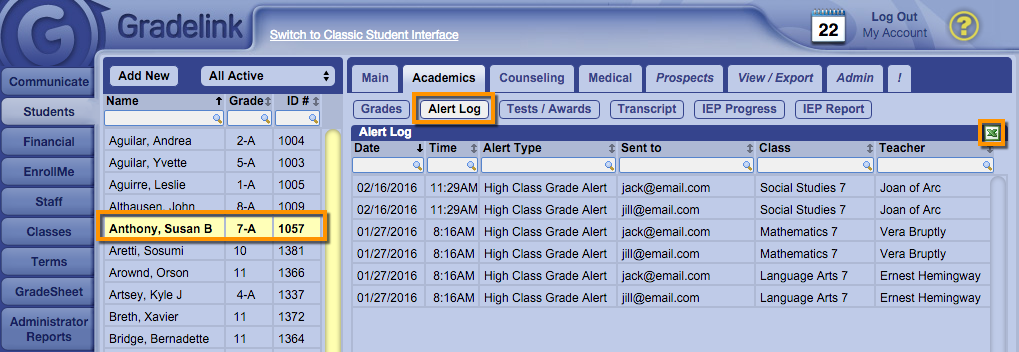
View/Export Sent Alerts View/Export Sent Alerts Navigate to the Students tab and click a student. Click the Academics sub-tab. Click on the Alert Log. To export this log, click on the Excel icon to export to Excel.